Production Data Collection
Overview
With Production Data Collection (PDC), TimePunch expands traditional work and project time tracking to include the collection of production-related data. In addition to the time spent, data such as piece counts and other information related to a production order can be recorded via Datafox terminals equipped with a barcode scanner.
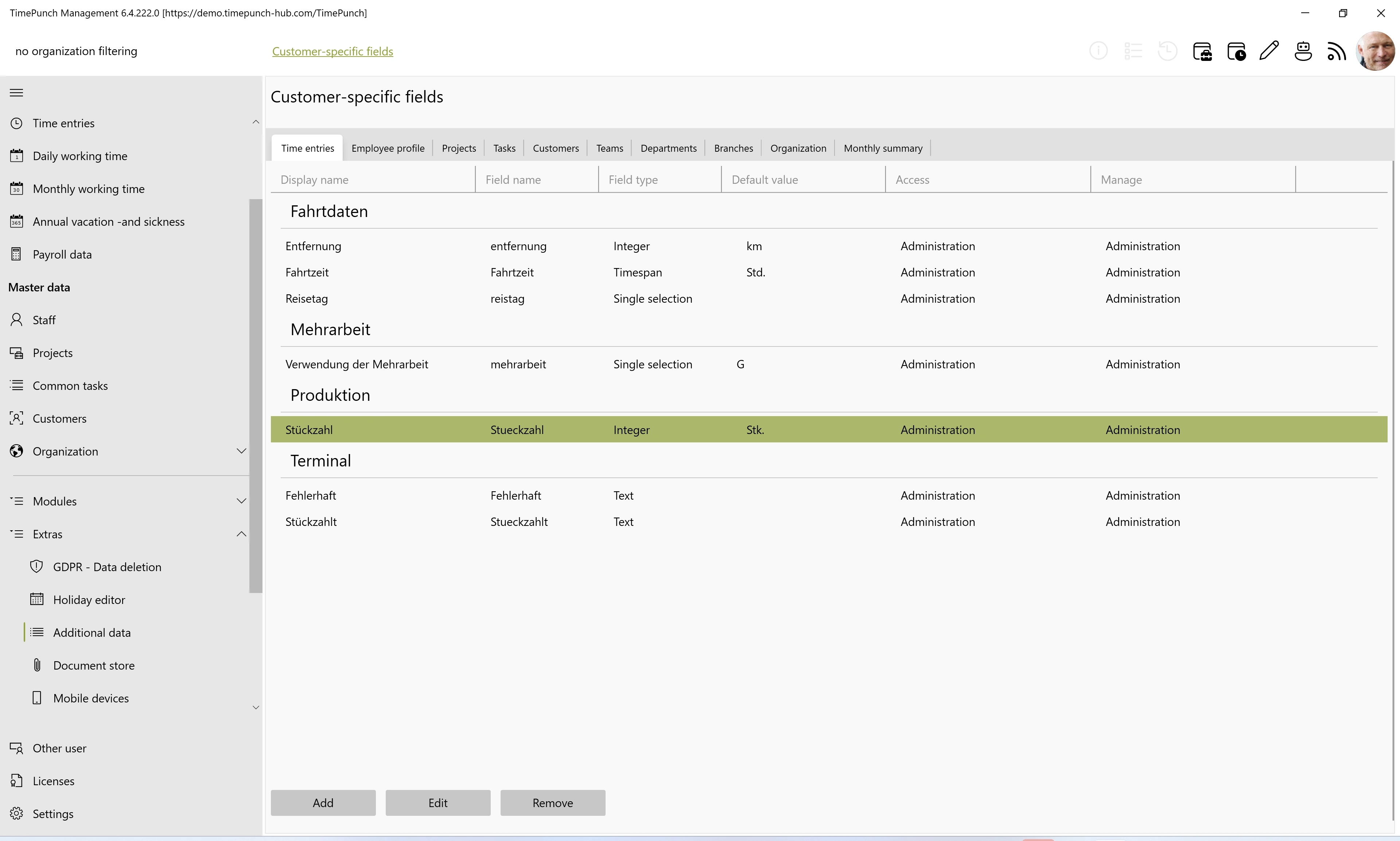
The production data is stored in the user-defined fields of the respective time entry. It can then be analyzed in TimePunch or transferred to a connected ERP system.
Furthermore, new projects and orders can be created by scanning a barcode based on an existing project as a template.
Recording Production-Related Data
In addition to work and project times, the Datafox module can also be used to record quantities and other production-related information. Data is entered via Datafox terminals equipped with connected barcode scanners.
The recorded values are stored in user-defined fields of the corresponding time entry. A separate data structure for production data collection is not required. As a result, the production data remains directly linked to the recorded work or project time.
Setting Up Data Collection
TimePunch configures production data collection in coordination with the customer. During this process, the Datafox terminal setup is customized, and it is determined which user-defined fields will be populated by the scan.
The customer cannot adjust the terminal setup independently. Changes to the mapping of the scan data are therefore also coordinated and implemented together with TimePunch.
Analyzing and Sharing Captured Operational Data
The user-defined fields can be used in TimePunch for further analysis, such as for target-actual comparisons in production.
Alternatively, the captured values can be transferred to an integrated ERP system for further use there, for example, for order billing.
Creating Projects via Barcode
TimePunch allows you to create new projects or orders by scanning a barcode. A project already created in TimePunch serves as the template.
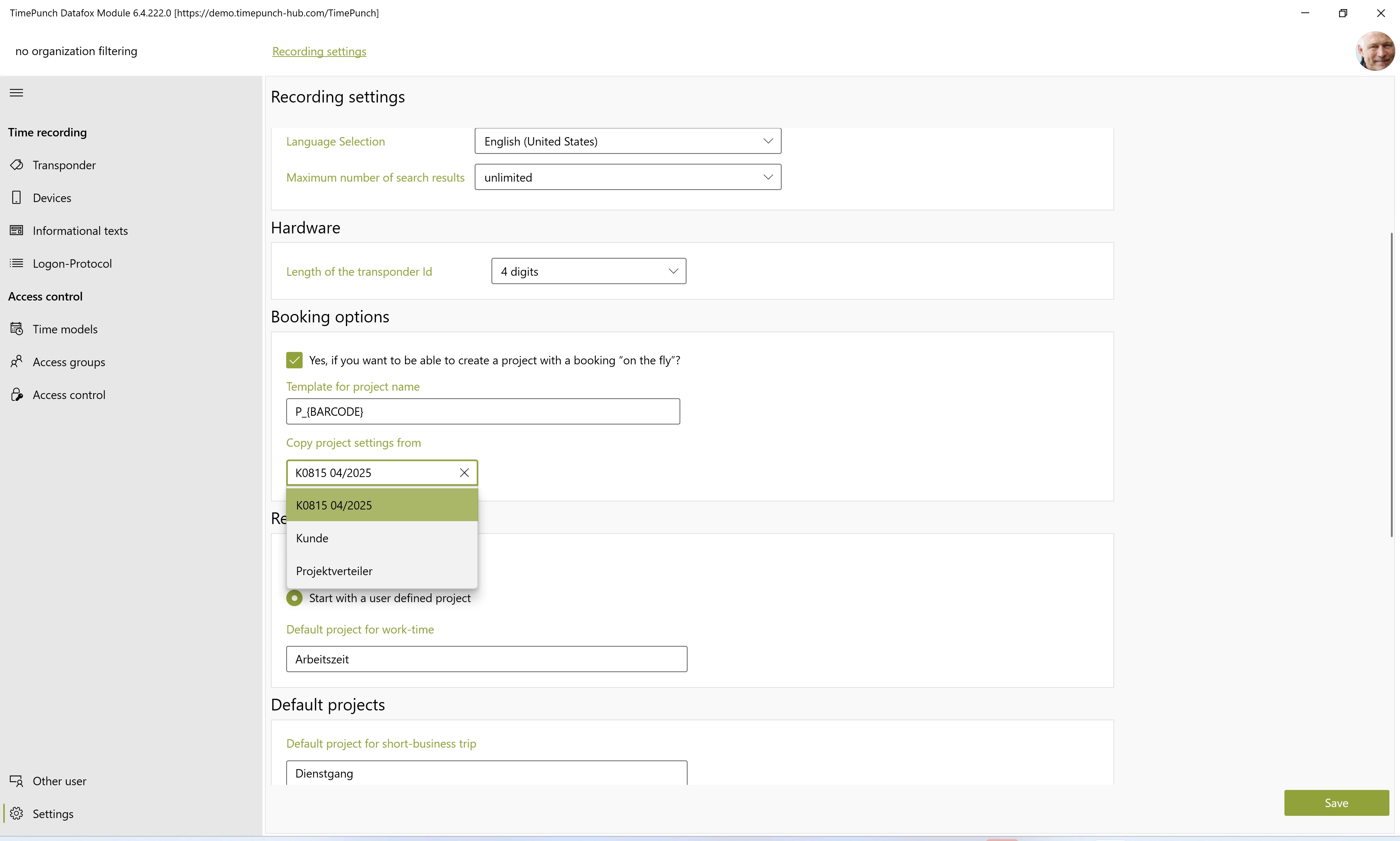
The following settings, among others, can be defined in this template project:
- Activities and tasks
- Hourly rates
- Access rights and permissions
- Additional project-specific settings
When creating a new project, the stored settings are automatically copied from the template project. This simplifies the creation of recurring production orders in particular and ensures consistent project settings.